<img height="1" width="1" style="display:none;" alt="" src="https://px.ads.linkedin.com/collect/?pid=2923012&amp;fmt=gif">
Skip to content

Data-Driven Marketing

CMMC IT Requirements

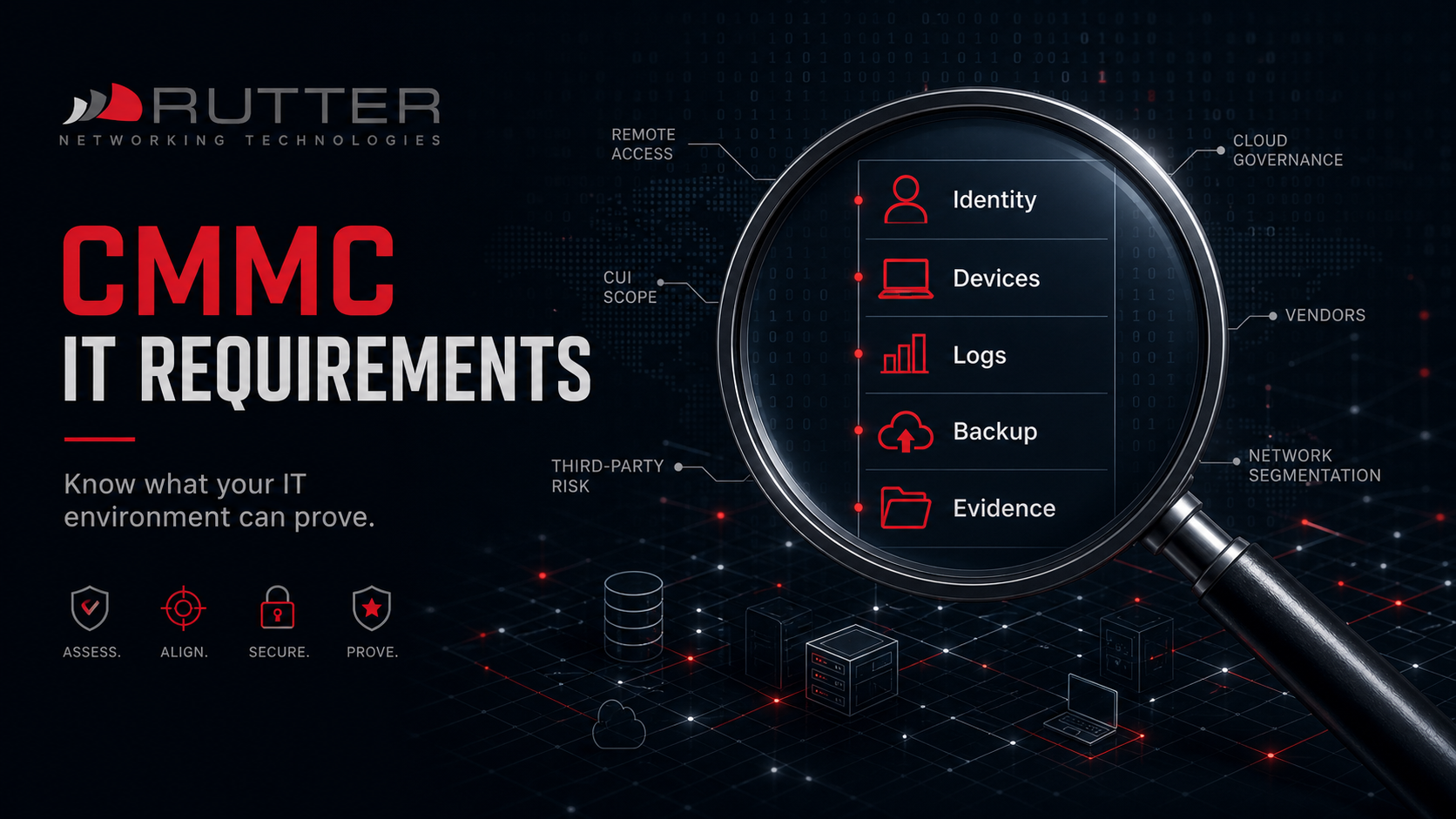
CMMC readiness depends on more than written policies. The IT environment needs to support the controls the organization claims to have in place.

That means identity, endpoints, access control, logging, monitoring, backup, recovery, remote access, cloud governance, and evidence routines all need to work together.

Rutter helps organizations prepare the technical side of CMMC readiness by strengthening the infrastructure, systems, and operating practices that support assessment readiness.

IT it i-t i.t. information technology - info tech - tech support guy
rutter-cmmc-it-requirements-identity-devices-logs-backup-evidence-hero

The Technical Foundation Behind CMMC Readiness

CMMC readiness is easier to support when the technical environment is organized, governed, monitored, and able to produce evidence. The sections below outline the IT areas that commonly need attention before assessment pressure increases.

CUI Scoping and Boundary Definition

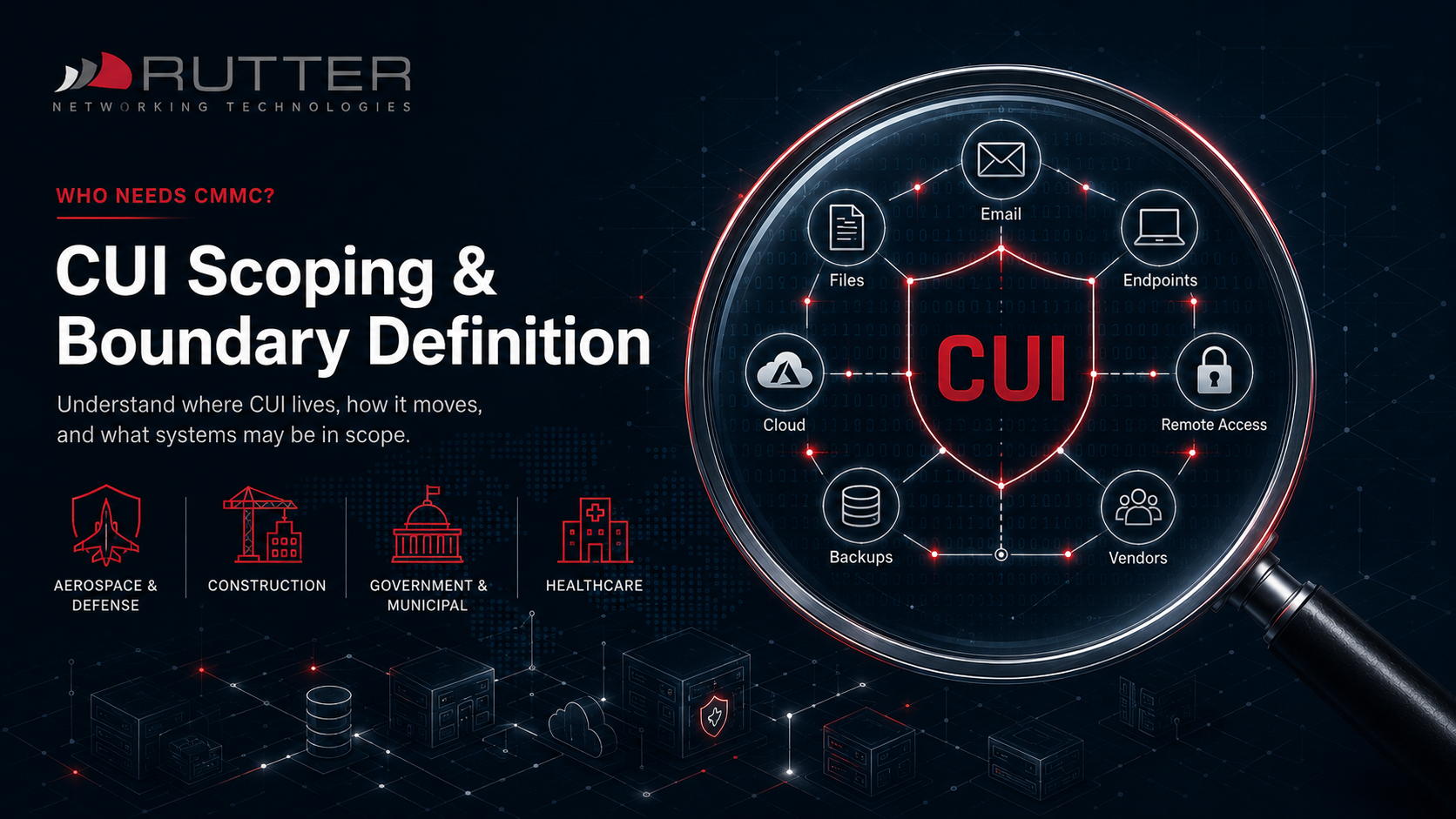
Before controls can be applied consistently, the organization needs to understand where CUI may exist.

Rutter CUI scoping and boundary definition graphic showing email, files, cloud systems, endpoints, remote access, backups, and vendor access for CMMC readiness
  • Email

  • SharePoint and OneDrive

  • File servers

  • Engineering systems

  • Project folders

  • Cloud workloads

  • Backup systems

  • Remote access tools

  • Vendor systems

  • Workstations and mobile devices 

A poorly understood boundary can increase cost, complexity, and risk. Rutter helps organizations review possible CUI flows and identify which systems may need stronger controls.

Identity and Access Management

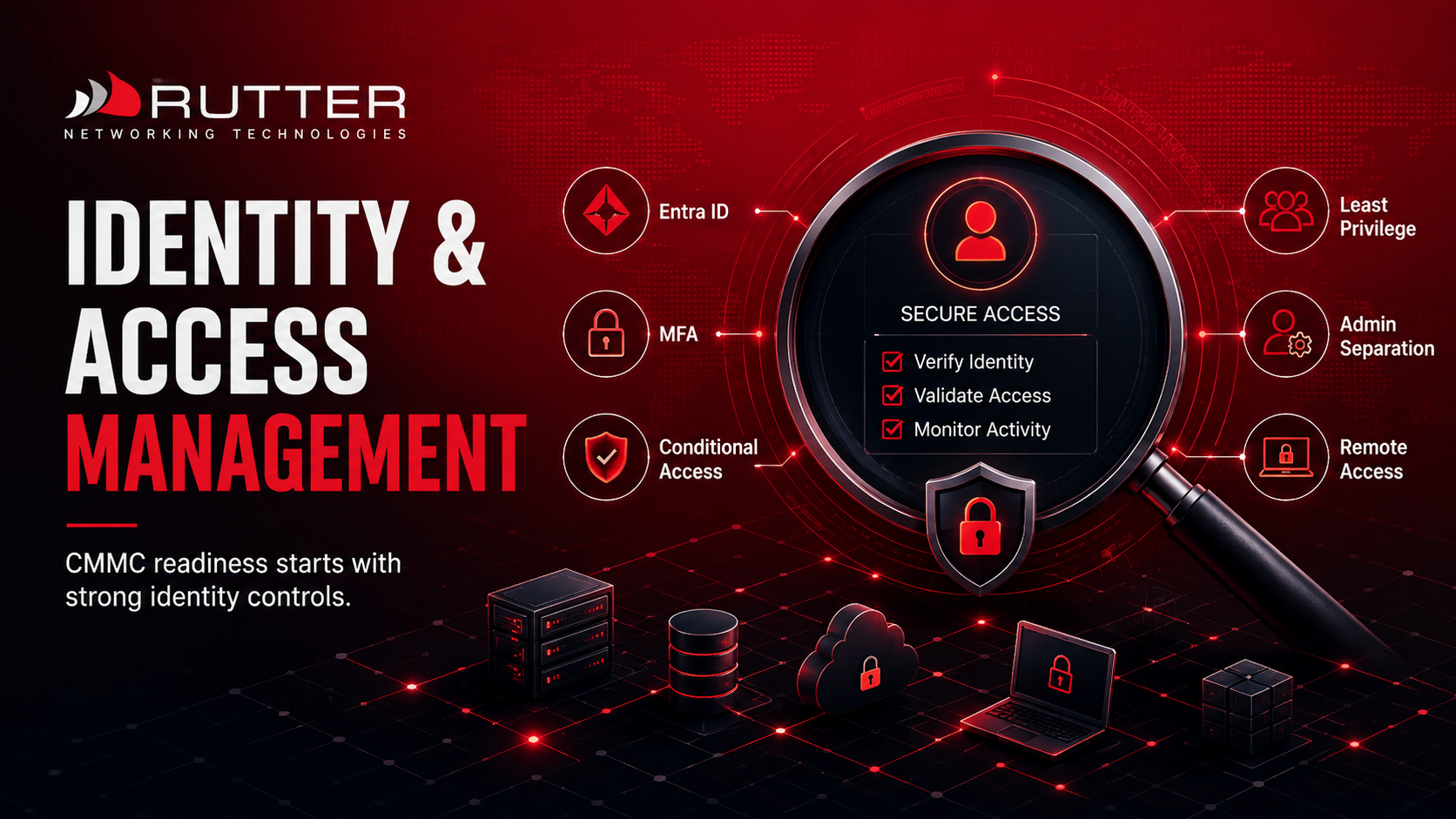
Identity is one of the most important areas of CMMC readiness. If users have excessive access, privileged accounts are not separated, or MFA is inconsistent, the environment becomes harder to defend.

Rutter Identity and Access Management image showing Entra ID, MFA, conditional access, least privilege, admin separation, and remote access controls for CMMC readiness.
  • Microsoft Entra ID hardening

  • MFA enforcement

  • Conditional Access policies

  • Least privilege access

  • Administrative account separation

  • Privileged access review

  • User onboarding and offboarding workflows

  • Remote access controls

  • Recurring access reviews

Rutter helps organizations strengthen identity controls so access is more consistent, defensible, and aligned with business needs.

Endpoint and Device Management 

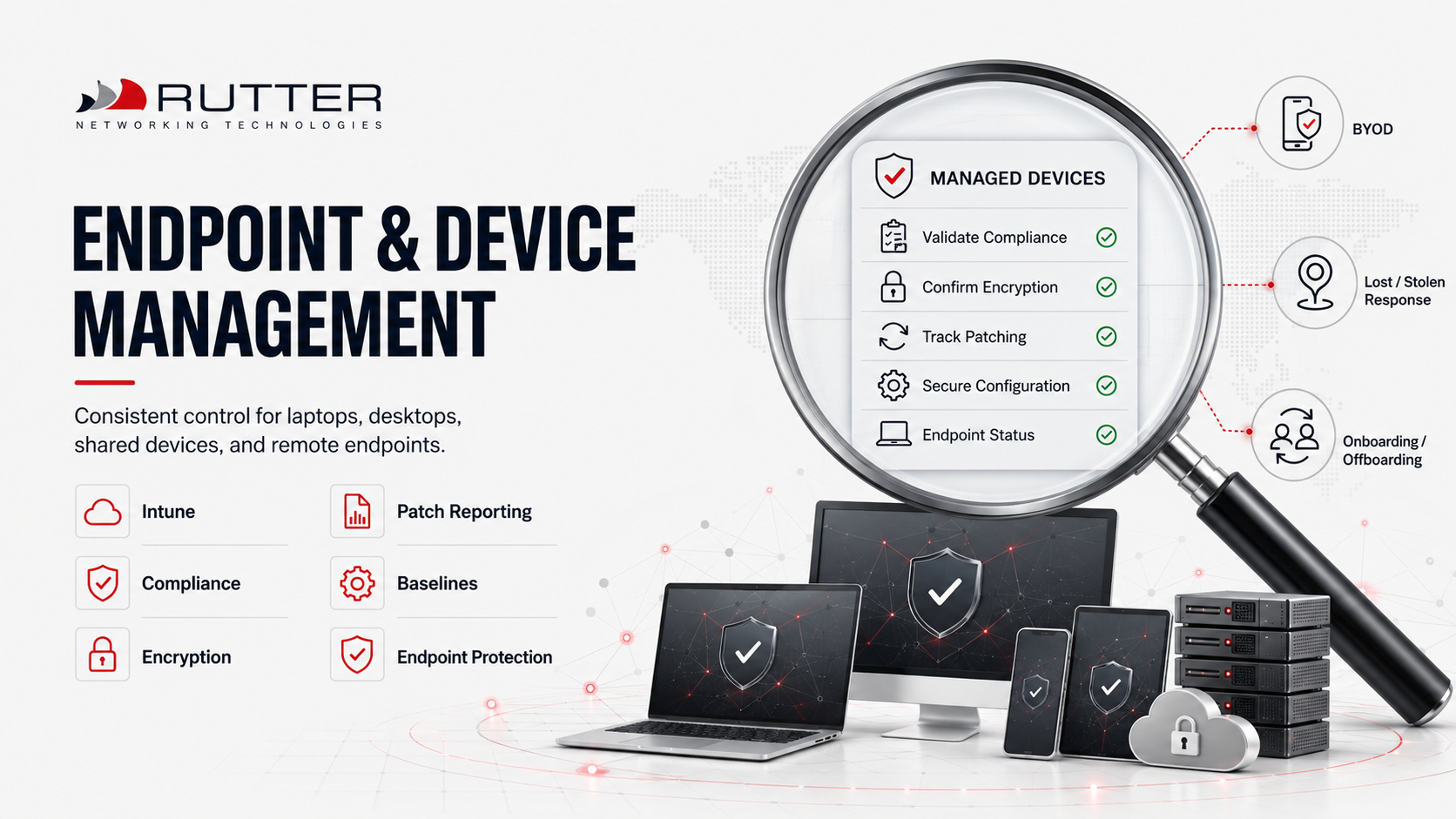
Unmanaged endpoints create both security risk and evidence problems. Laptops, desktops, engineering workstations, shared devices, tablets, and remote systems need consistent management.

Rutter Endpoint and Device Management image showing Intune, compliance, encryption, patch reporting, baselines, endpoint protection, BYOD, lost or stolen device response, and onboarding or offboarding controls.
  • Microsoft Intune deployment or optimization

  • Device compliance policies

  • Encryption validation

  • Patch reporting

  • Secure configuration baselines

  • Endpoint protection

  • Lost or stolen device response

  • BYOD controls where appropriate

  • Standardized onboarding and offboarding
Rutter helps bring devices under stronger management so the organization can reduce risk and produce clearer evidence.

Logging and Monitoring

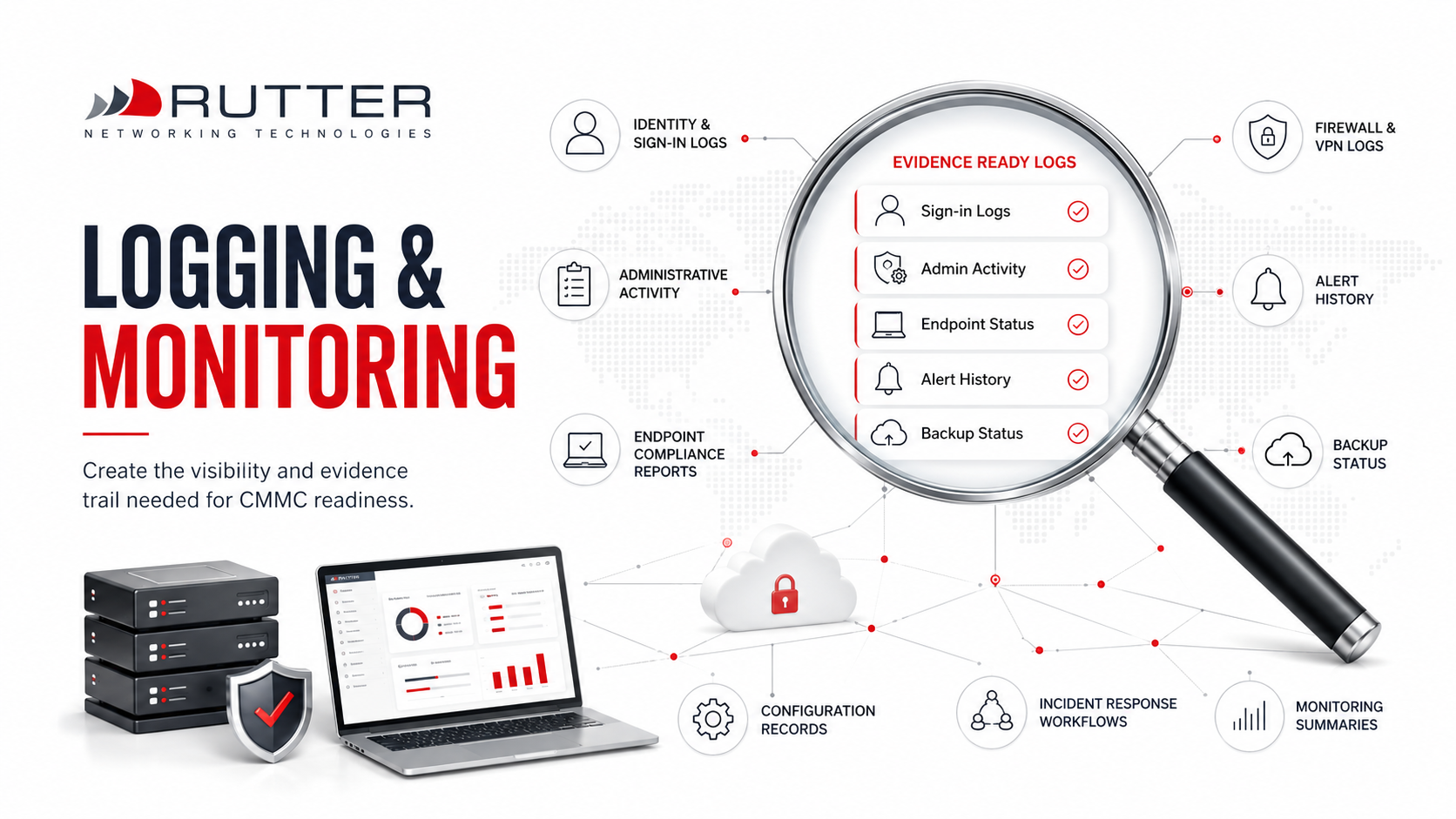
Organizations need visibility into security activity, administrative changes, access events, endpoint status, and system behavior.

Rutter Logging and Monitoring image showing sign-in logs, admin activity, endpoint status, alert history, backup status, firewall and VPN logs, configuration records, incident response workflows, and monitoring summaries for CMMC readiness.
  • Identity and sign-in logs

  • Administrative activity

  • Endpoint compliance reports

  • Firewall and VPN logs

  • Alert history

  • Backup status

  • Configuration records

  • Incident response workflows

  • Monitoring summaries

The goal is not to collect logs for the sake of collection. The goal is to create a defensible evidence trail that supports readiness and operational response.

Backup, Recovery, and Resilience 

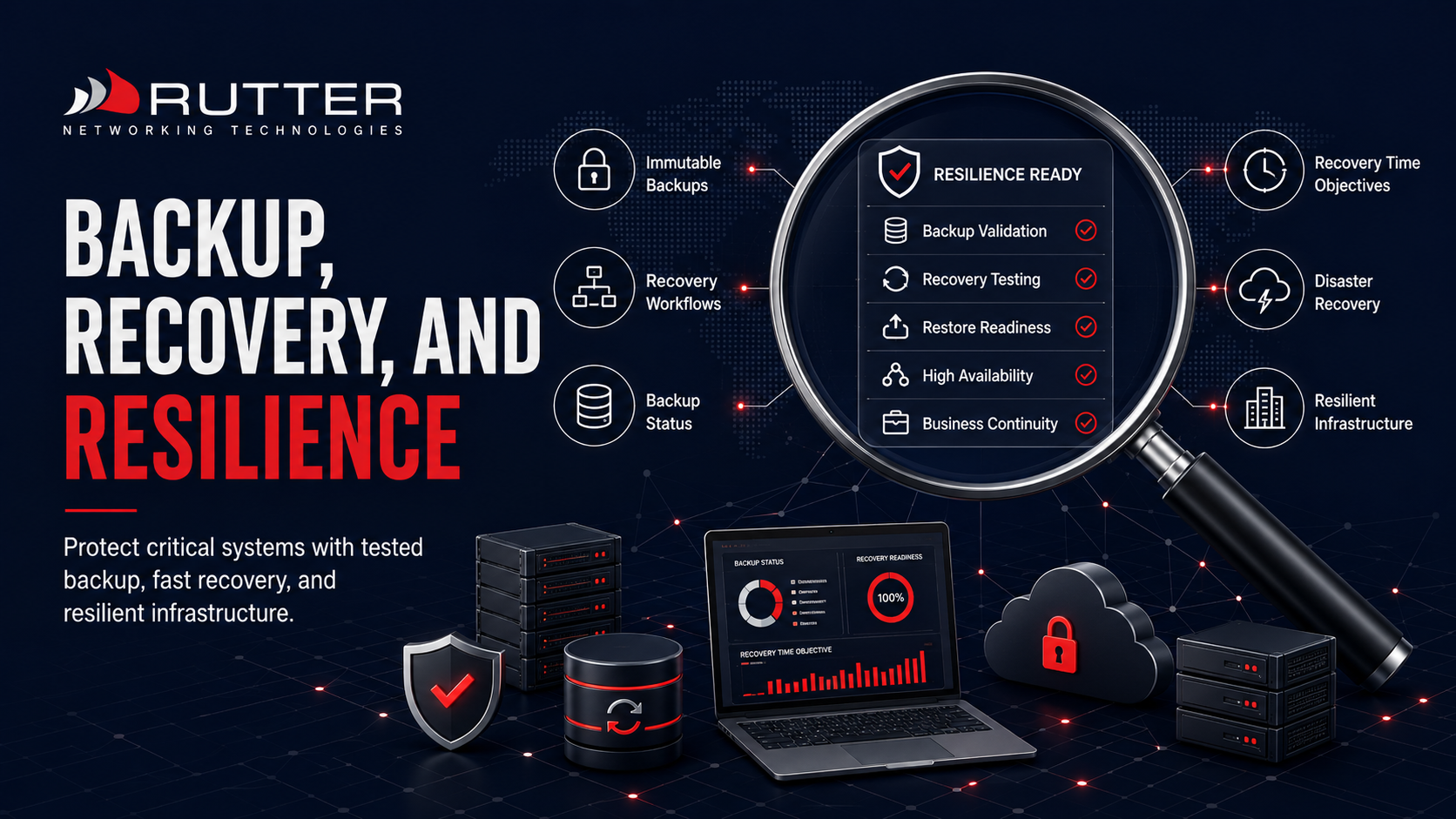
Many defense contractors use Microsoft 365, Azure, or hybrid environments. These platforms can support CMMC readiness, but only when configured and governed correctly.

Rutter Backup, Recovery, and Resilience image showing backup validation, recovery testing, restore readiness, high availability, business continuity, immutable backups, disaster recovery, and resilient infrastructure for CMMC readiness.
  • Are critical systems protected?

  • Are backups isolated from production risk?

  • Are restore processes tested?

  • Are recovery results documented?

  • Are recovery time expectations realistic?

  • Are cloud, endpoint, and SaaS systems included?

  • Are backup responsibilities clearly assigned?
Rutter helps organizations review and improve backup and recovery practices so readiness is not built on untested assumptions.

Microsoft 365 and Cloud Governance

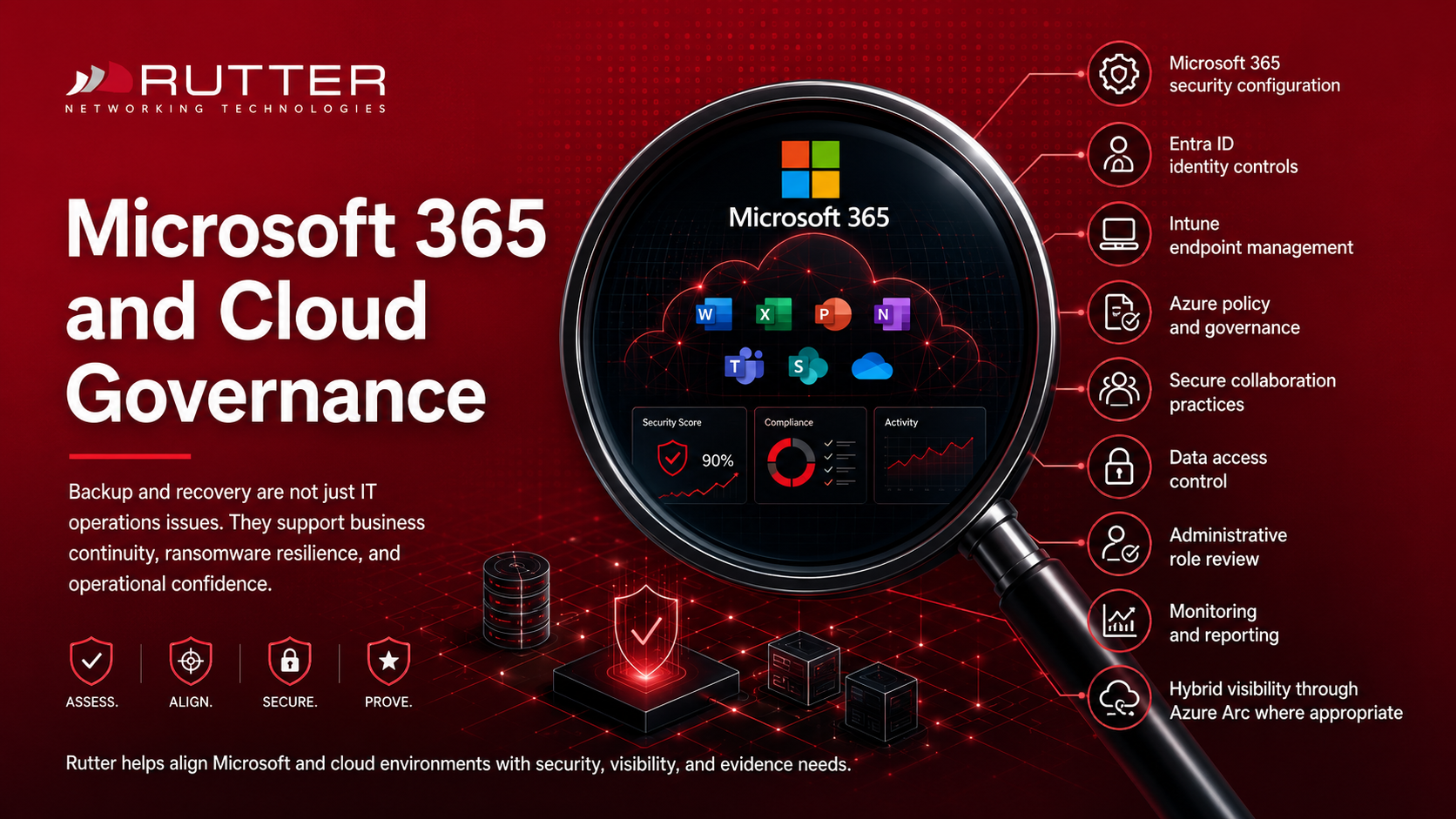
Backup and recovery are not just IT operations issues. They support business continuity, ransomware resilience, and operational confidence.

Rutter Microsoft 365 and Cloud Governance image showing Microsoft 365 security configuration, Entra ID identity controls, Intune endpoint management, Azure policy, data access control, monitoring, reporting, and hybrid visibility through Azure Arc.
  • Microsoft 365 security configuration

  • Entra ID identity controls

  • Intune endpoint management

  • Azure policy and governance

  • Secure collaboration practices

  • Data access control

  • Administrative role review

  • Monitoring and reporting

  • Hybrid visibility through Azure Arc where appropriate
Rutter helps align Microsoft and cloud environments with security, visibility, and evidence needs.

Remote Access and Vendor Access 

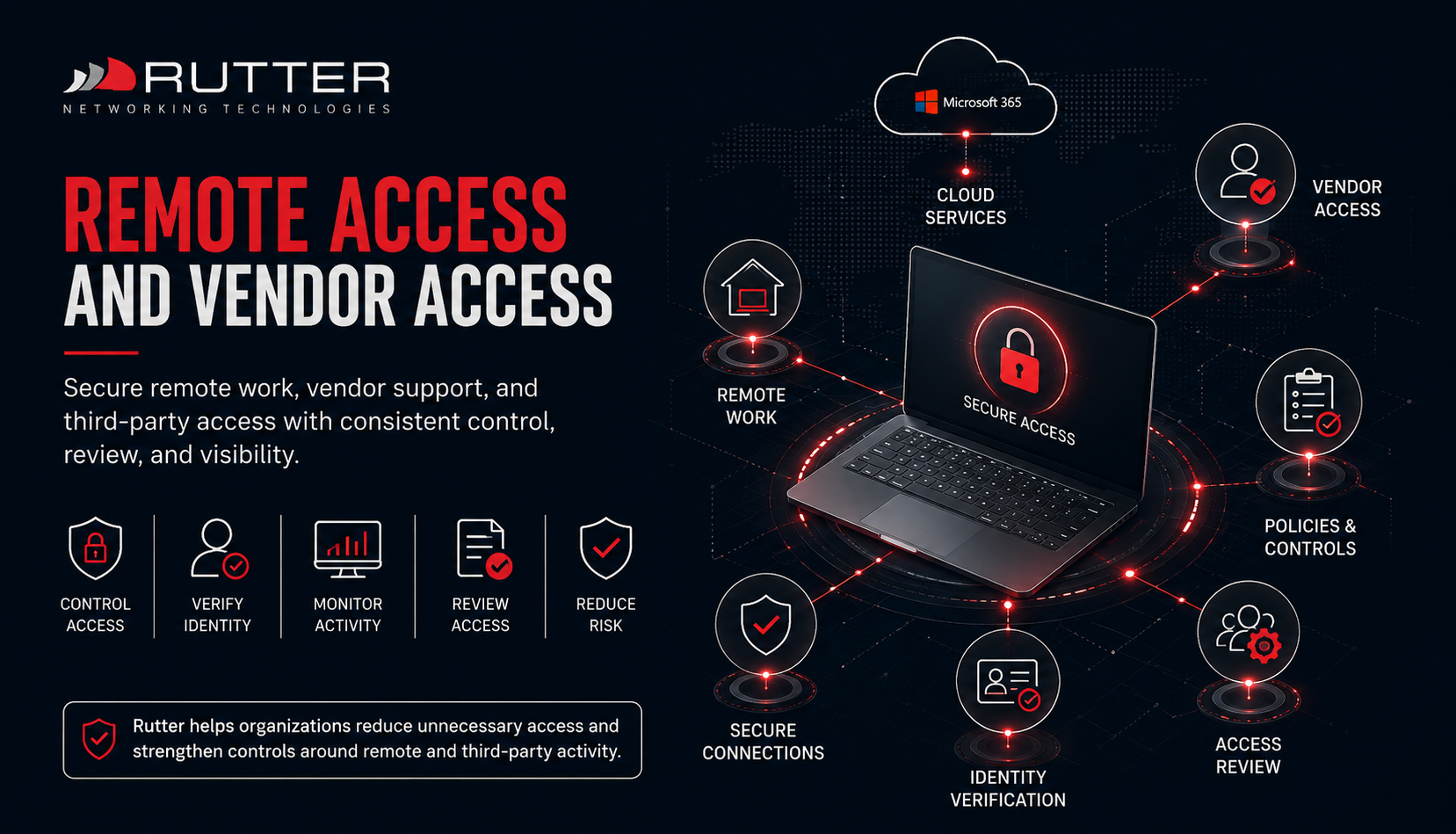
Remote work, vendor support, and third-party access can expand risk if access is not controlled and reviewed.

rutter-remote-access-vendor-access-cmmc-readiness
  • Microsoft 365 security configuration

  • Entra ID identity controls

  • Intune endpoint management

  • Azure policy and governance

  • Secure collaboration practices

  • Data access control

  • Administrative role review

  • Monitoring and reporting

  • Hybrid visibility through Azure Arc where appropriate
Rutter helps organizations reduce unnecessary access and strengthen controls around remote and third-party activity.

Documentation and Evidence Support 

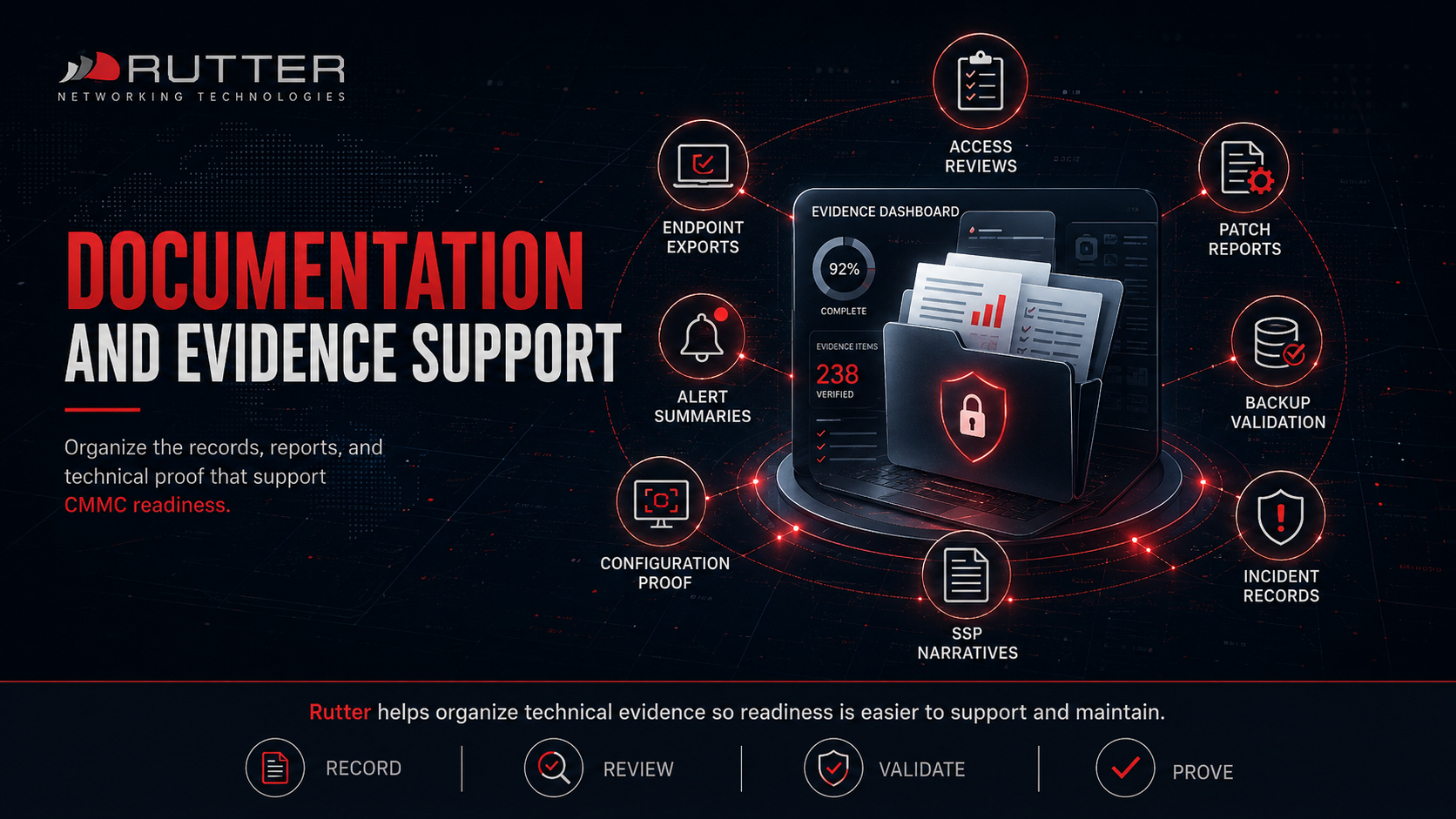
CMMC readiness depends on proof. Technical controls need to be supported by records, reports, configurations, reviews, and operational routines.

Rutter Documentation and Evidence Support image showing access reviews, endpoint exports, patch reports, backup validation, alert summaries, incident records, configuration proof, and SSP narratives for CMMC readiness.
  • Access review records

  • Endpoint compliance exports

  • Patch reports

  • Backup validation records

  • Alert summaries

  • Incident response records

  • Change documentation

  • Configuration screenshots

  • Administrative role reviews

  • Technical narratives supporting the SSP
Rutter helps organize technical evidence so readiness is easier to support and maintain.

Rutter’s Role

Technical Readiness Support, Not Certification

Rutter helps prepare the infrastructure and technical operations that support CMMC readiness. We do not certify organizations and do not replace a C3PAO.

Our role is to help make the environment more secure, more manageable, and more evidence-ready before assessment pressure creates a fire drill.

CMMC IT Readiness

Know What Your IT Environment Can Prove

CMMC readiness depends on systems that are secure, managed, monitored, backed up, and supported by evidence. Rutter can help your team understand what is ready, what is missing, and what to address next.

Ready to elevate your business?